Blog · June 1, 2026
Introducing Super Easy Custom Forms
Need a contact form on your site? Just tell Assistant Bot what fields to include and it builds a working form — instantly. Name, email, phone, company, message, dropdowns, checkboxes — whatever you need.
No backend setup. No form service to configure. No code to write. The form goes live on your site right away.
How it works
Just text Assistant Bot something like:
That's it. The form appears on your site — styled to match, ready to accept submissions.
Need more fields?
Assistant Bot creates the form with all those fields, including the dropdown. Submissions show up in your dashboard instantly.
Real forms from real sites
Here are some examples of forms people have built by just describing what they need:
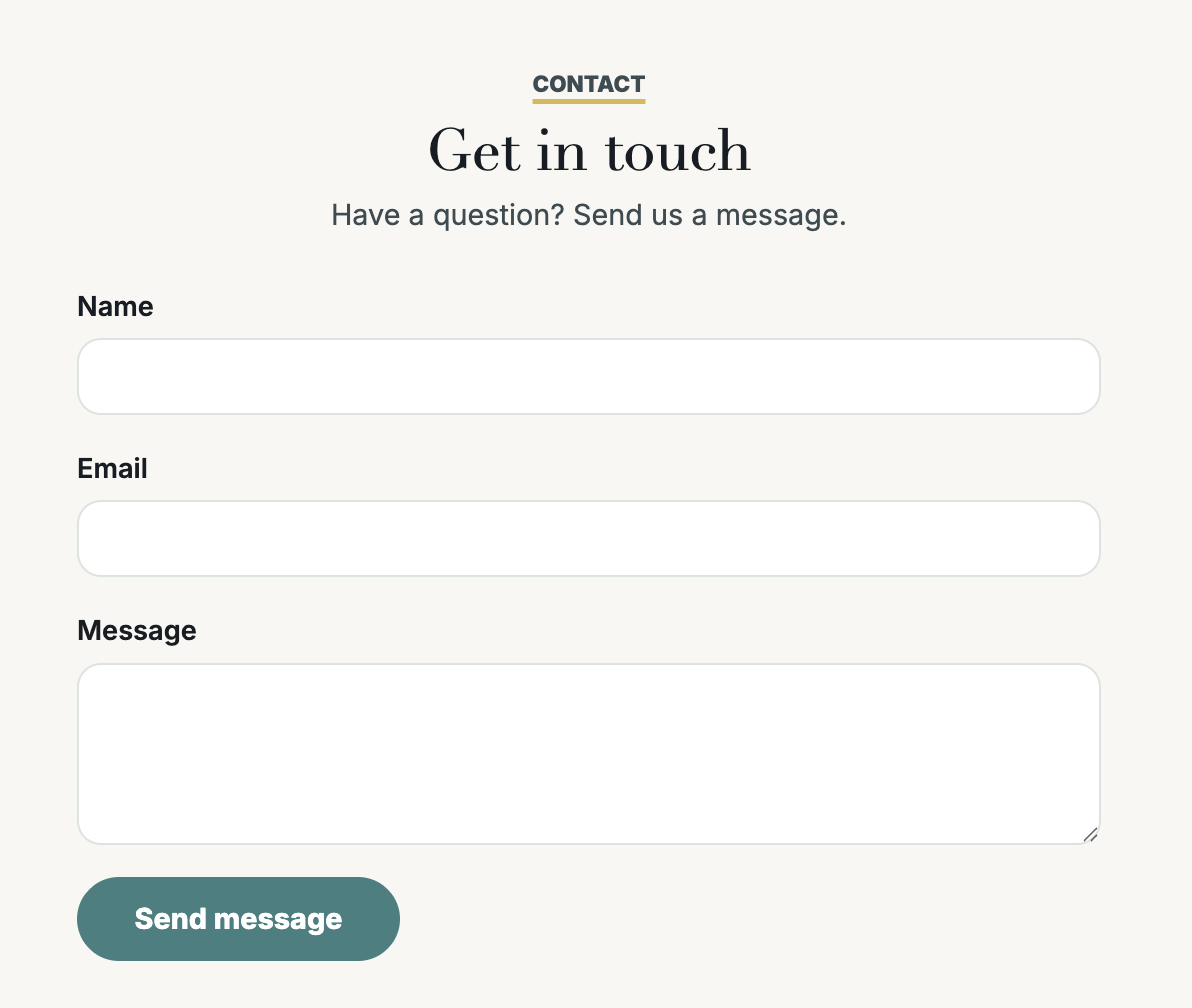
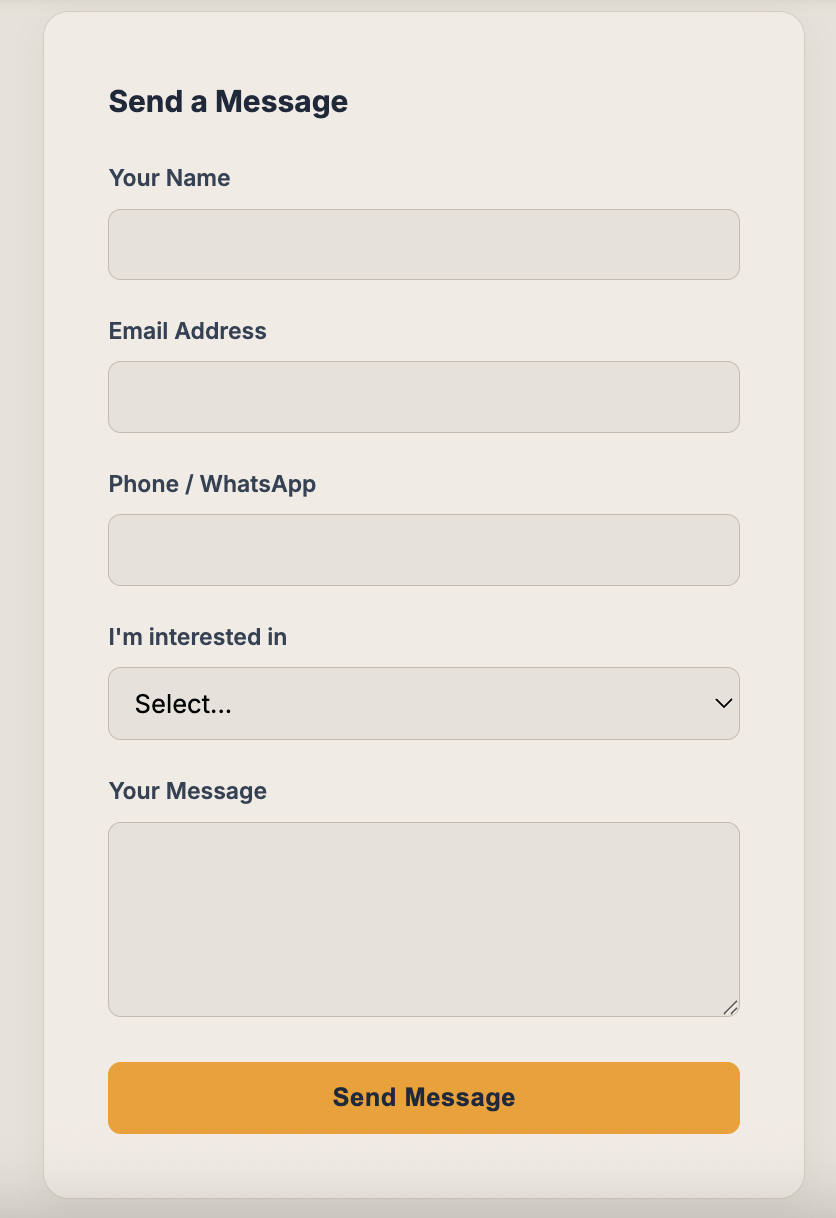
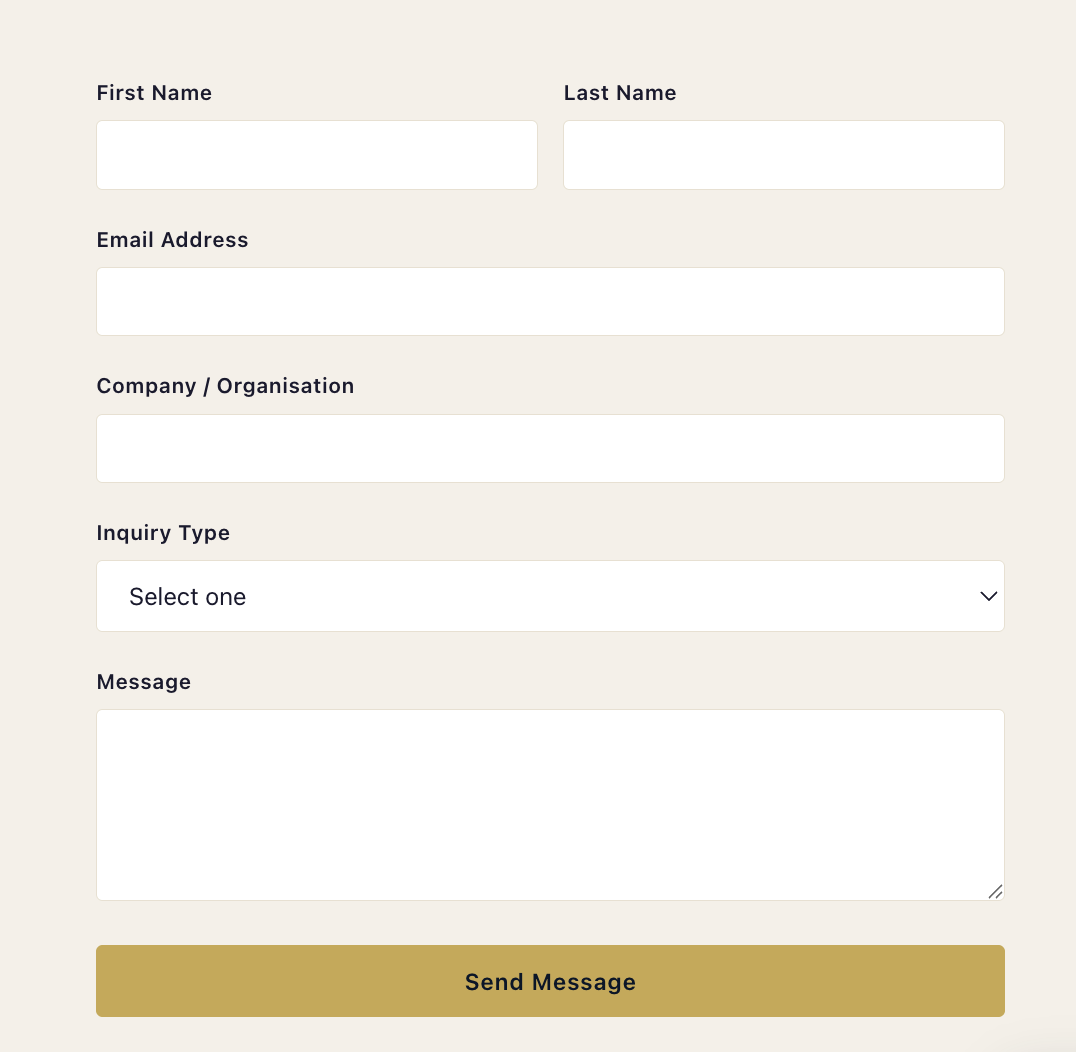
Every form comes with its own submission inbox. See who filled what, when — directly from your management dashboard.
No form builder. No third-party service. No monthly fees per form. Just describe it and it works.
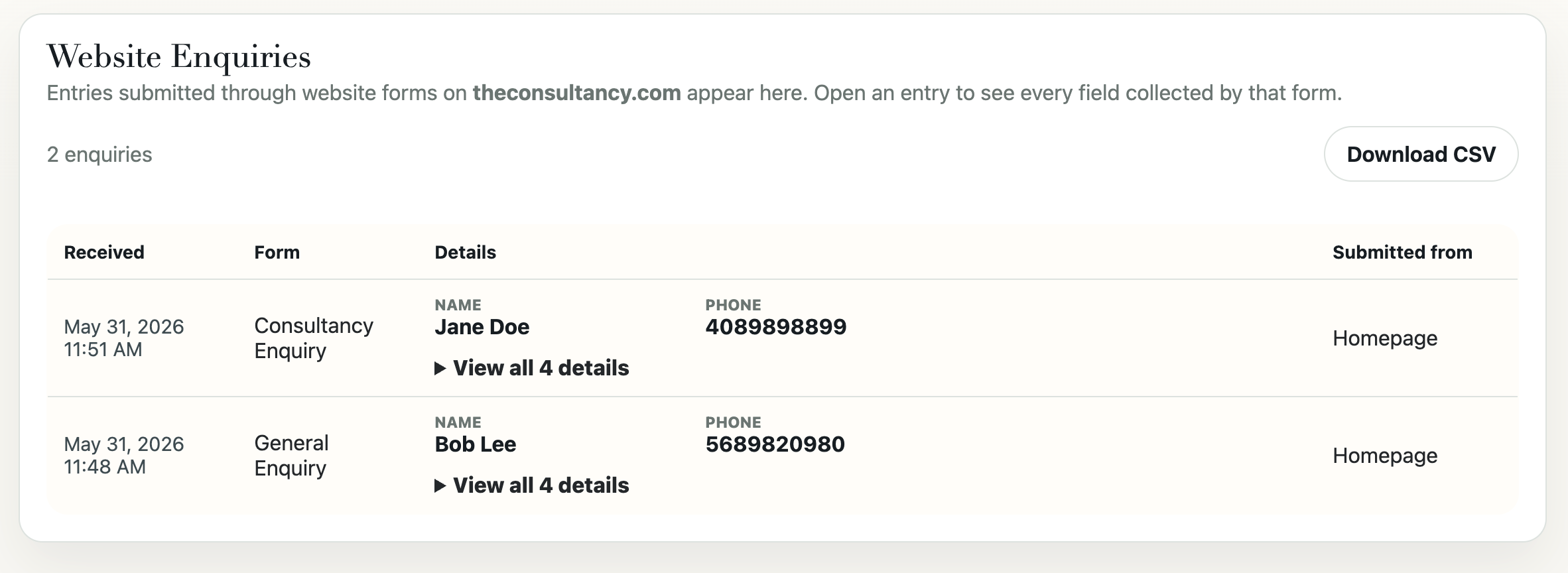
View your submissions
Every form submission is collected for you. View them all from your dashboard at manage.theassistantbot.com. You can also download all submissions as a CSV file with one click.